
Customizing the Overview Dashboard
The Compose Overview dashboard can be customized by clicking on stacked dots icon of the dashboard header.
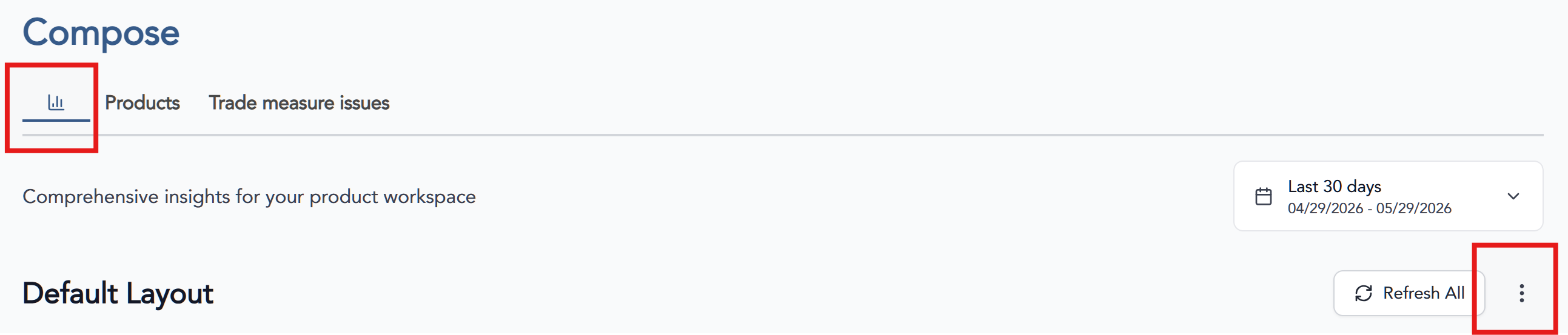
There are three options to customize this view.
| 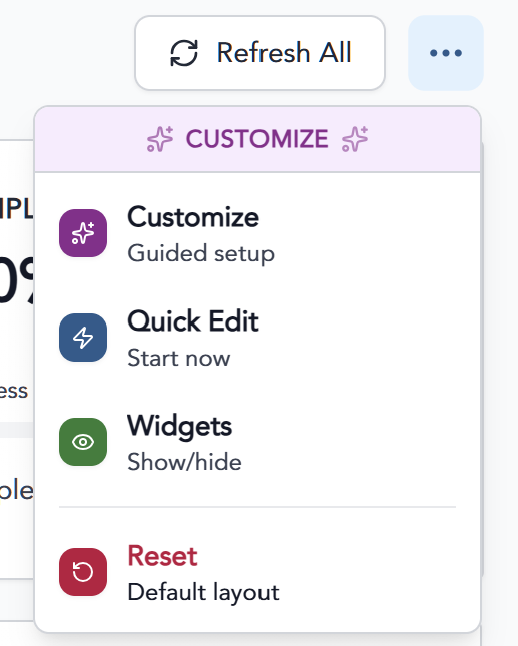 |
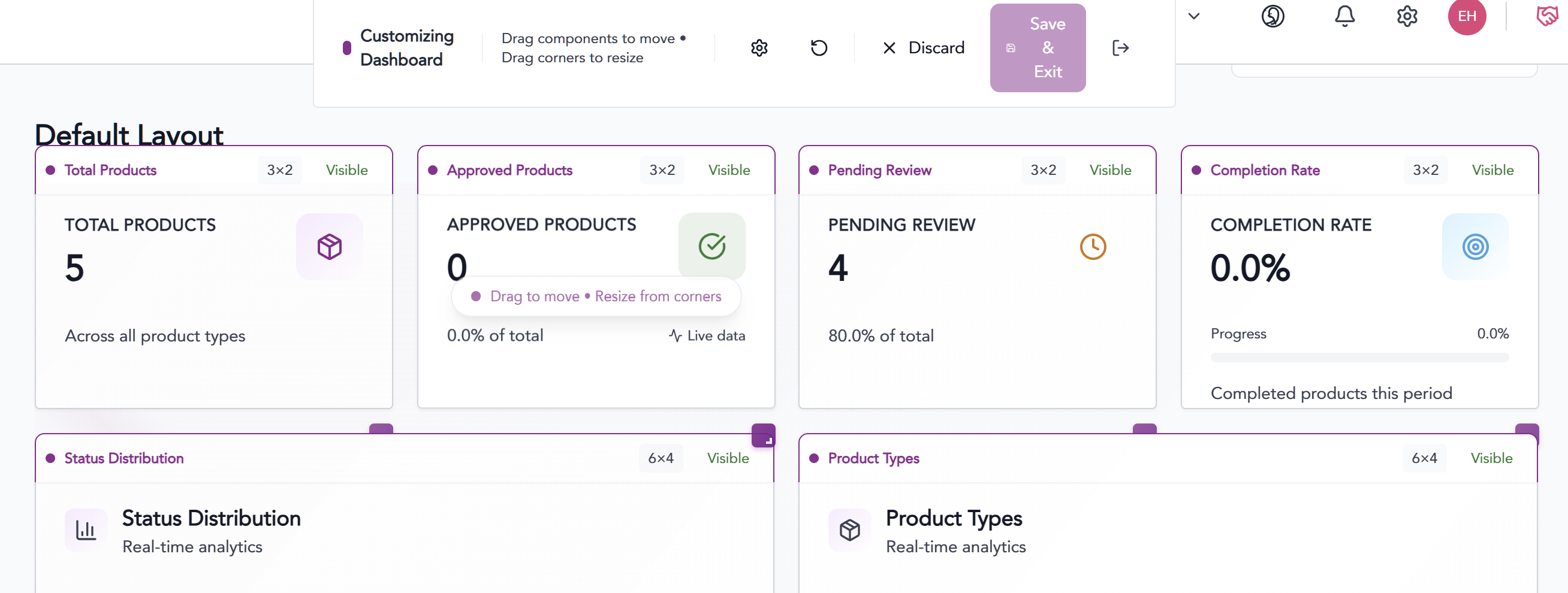
1. Customize and Quick Edit- Click the Start Customizing button to get started and you'll be able to add ore remove components by clicking and dragged as desired.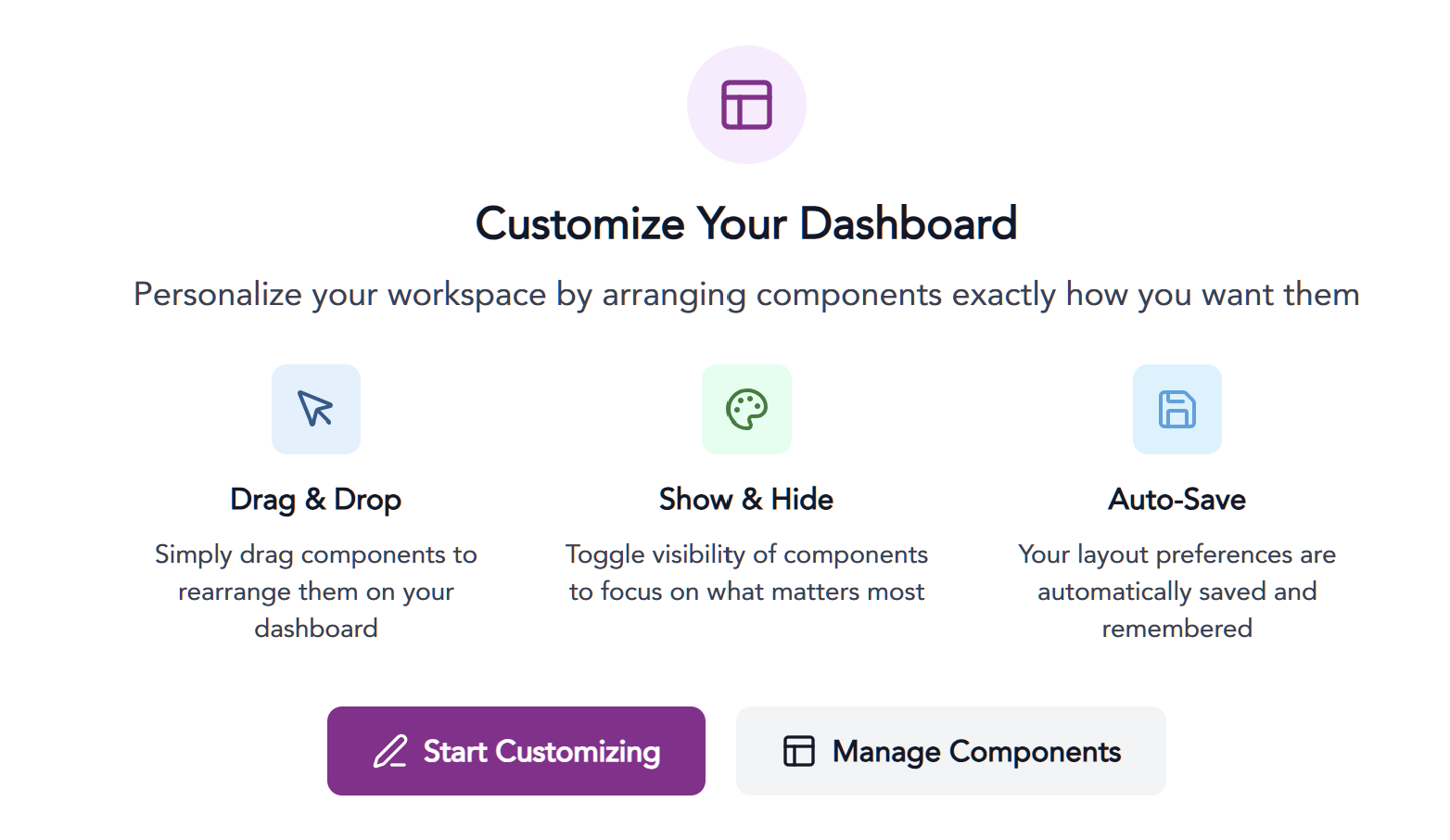
Widgets - Click to select or deselect available components from the dashboard.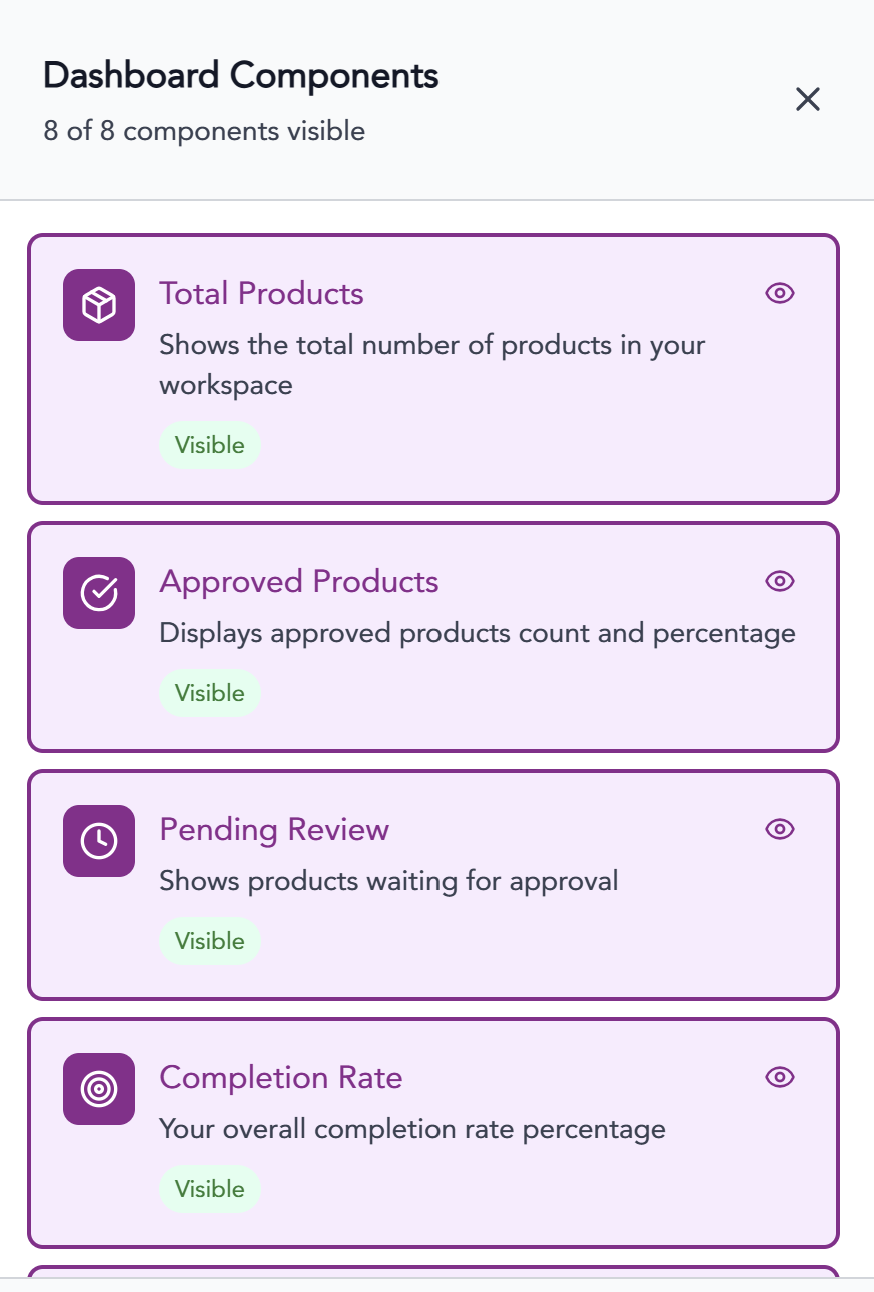
Customizing the Product Table Overview
The Compose Product dashboard can be customized by clicking on the gear icon in the table header.
 Check or uncheck any columns you do not want to see in the Compose data table.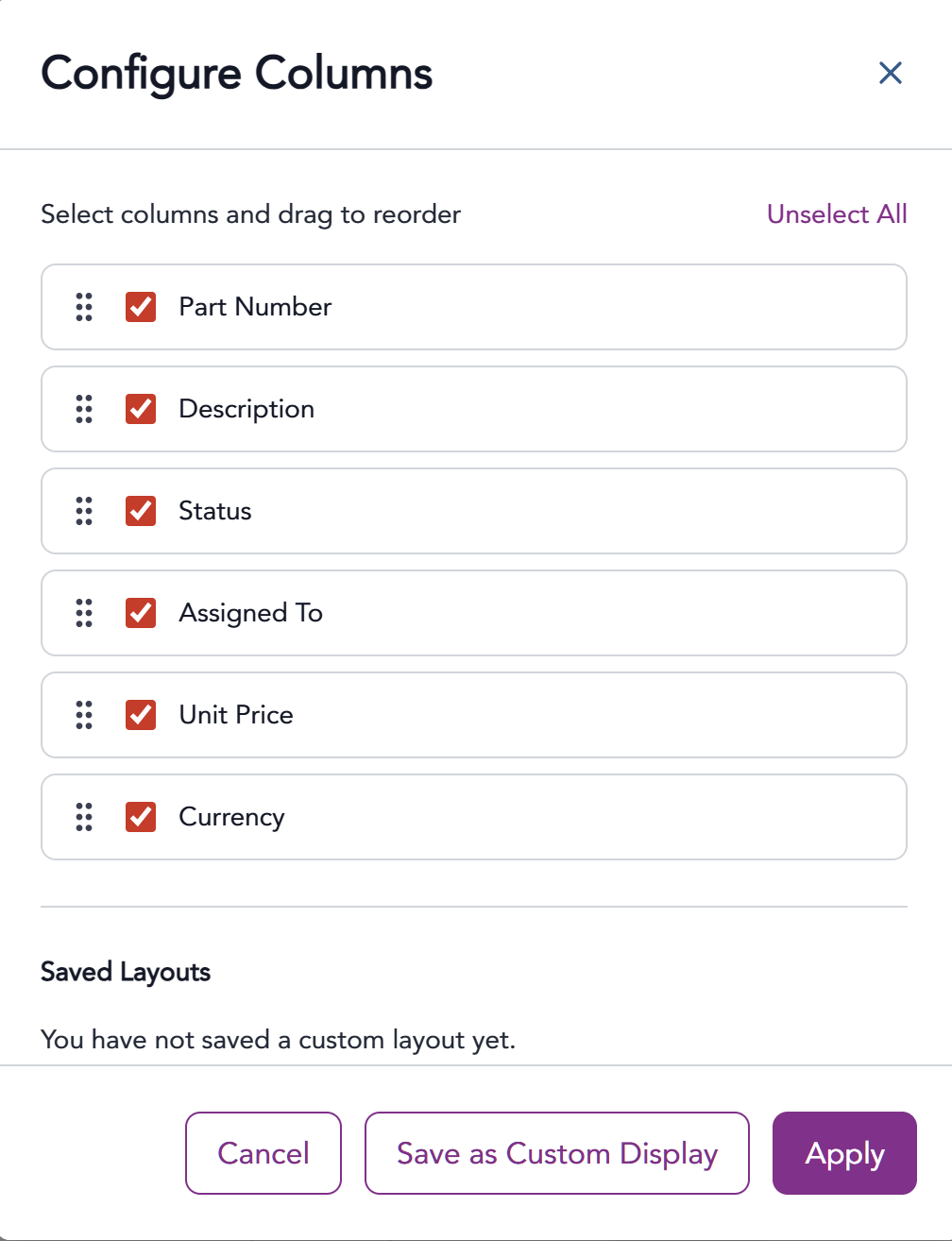
Be sure to Apply and SAVE any changes.

The information provided on this website does not, and is not intended to, constitute legal advice; instead, all
information, content, and materials available on this site are for general informational purposes only.