
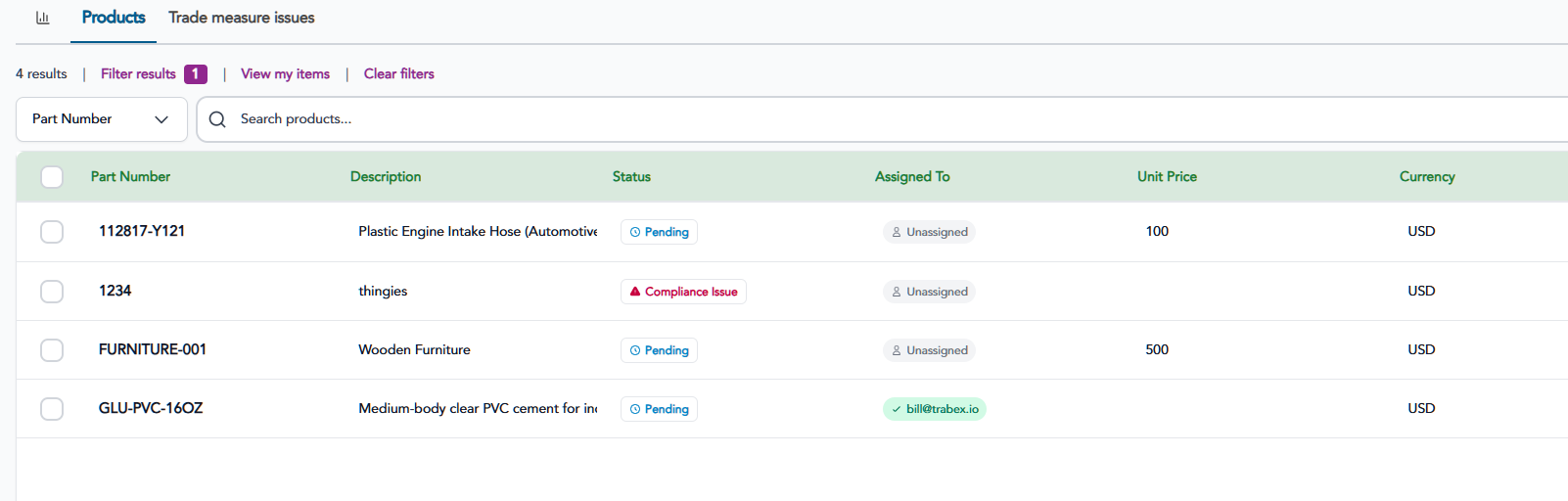
To add a schedule B or HTS classification to a product in Compose, click on the Products menu tab on the navigation bar.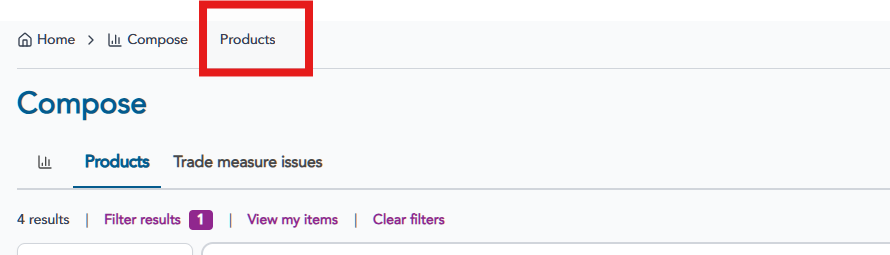 Find the product to edit in the Product table and click on the row to access the product details.
Schedule B
Scroll to the Schedule B Classification section and click the +Add button.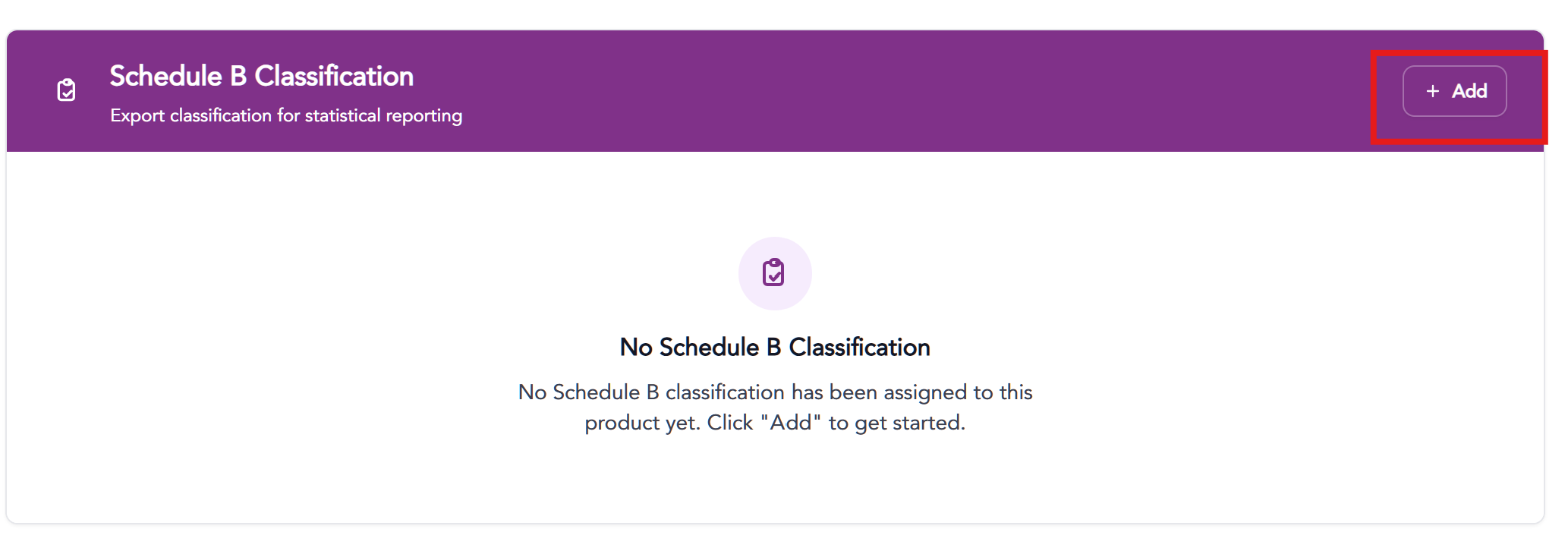 Schedule B numbers can be searched by code, keyword description or searching the specific chapter sections.
When searching by keyword or number, results will appear below.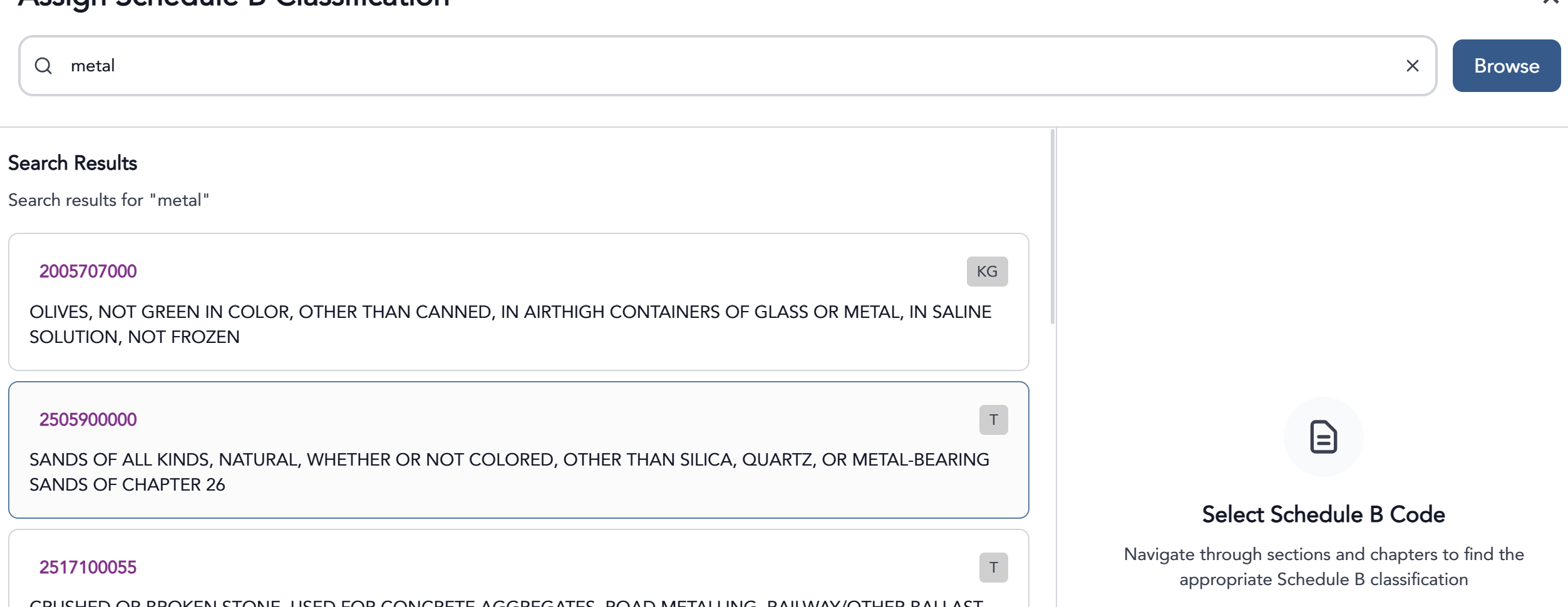
Click to select the desired Schedule B number and click the Assign Schedule B number button to save.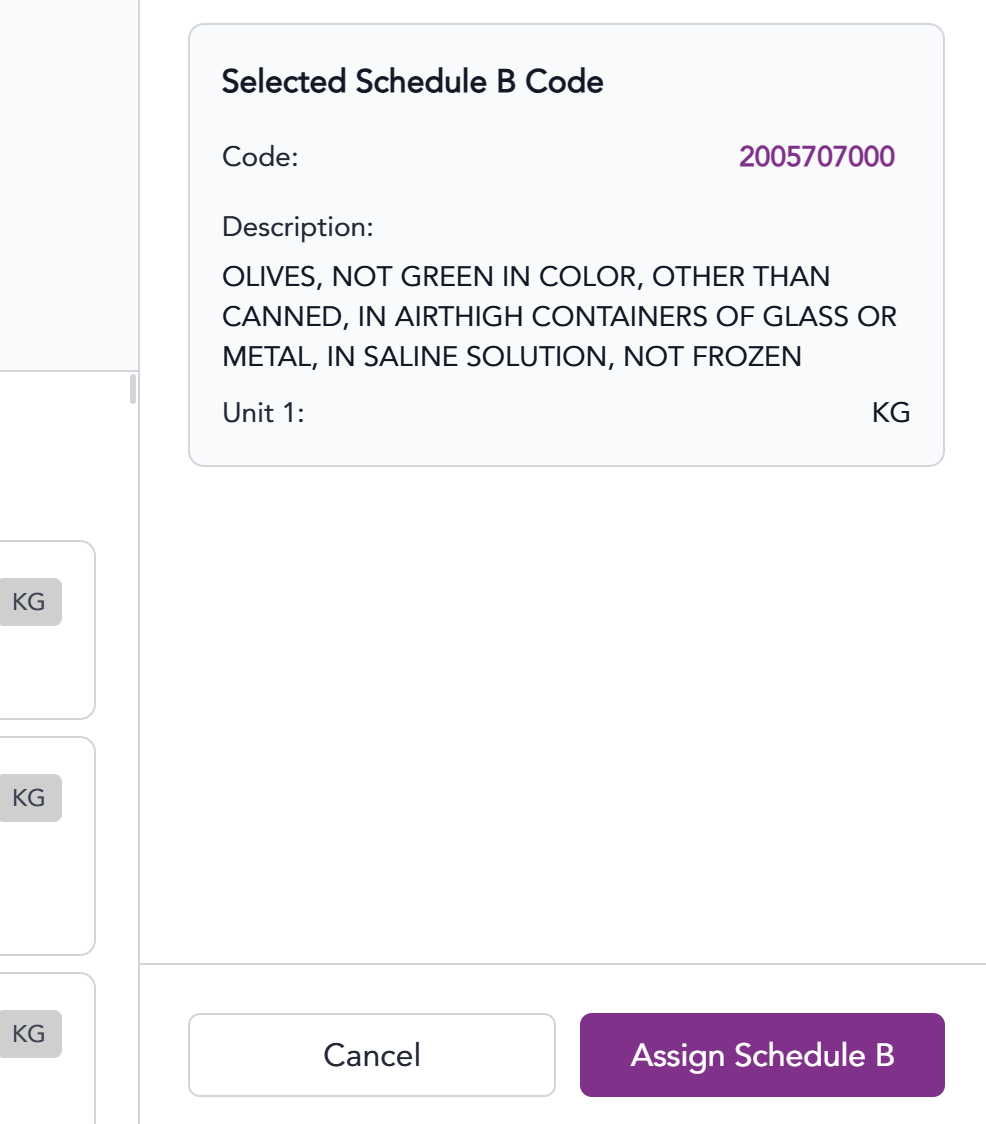
HTS Codes
Scroll to the HTS Classification section and click the +Add button.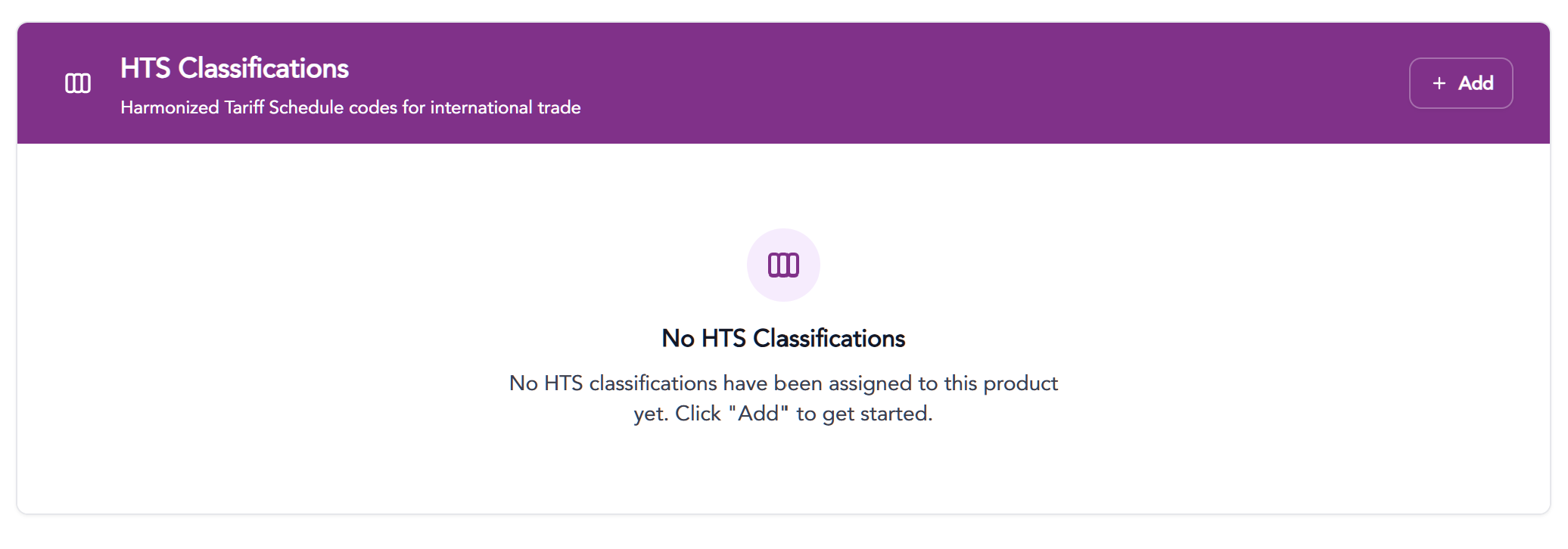 HTS Codes can be searched by code, keyword description or searching the specific chapter sections.
When searching by keyword or number, results will appear below.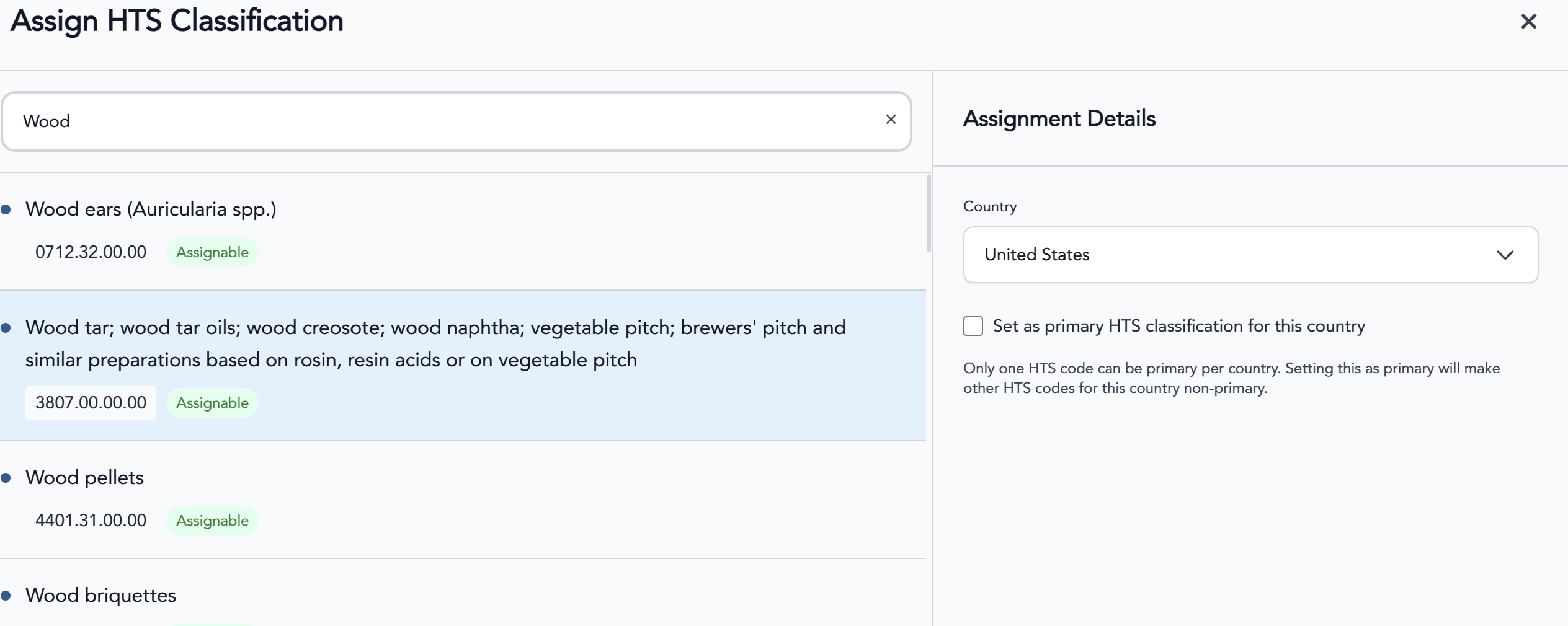 HTS Codes may vary by country and can be assigned for various countries by selecting the country in the dropdown.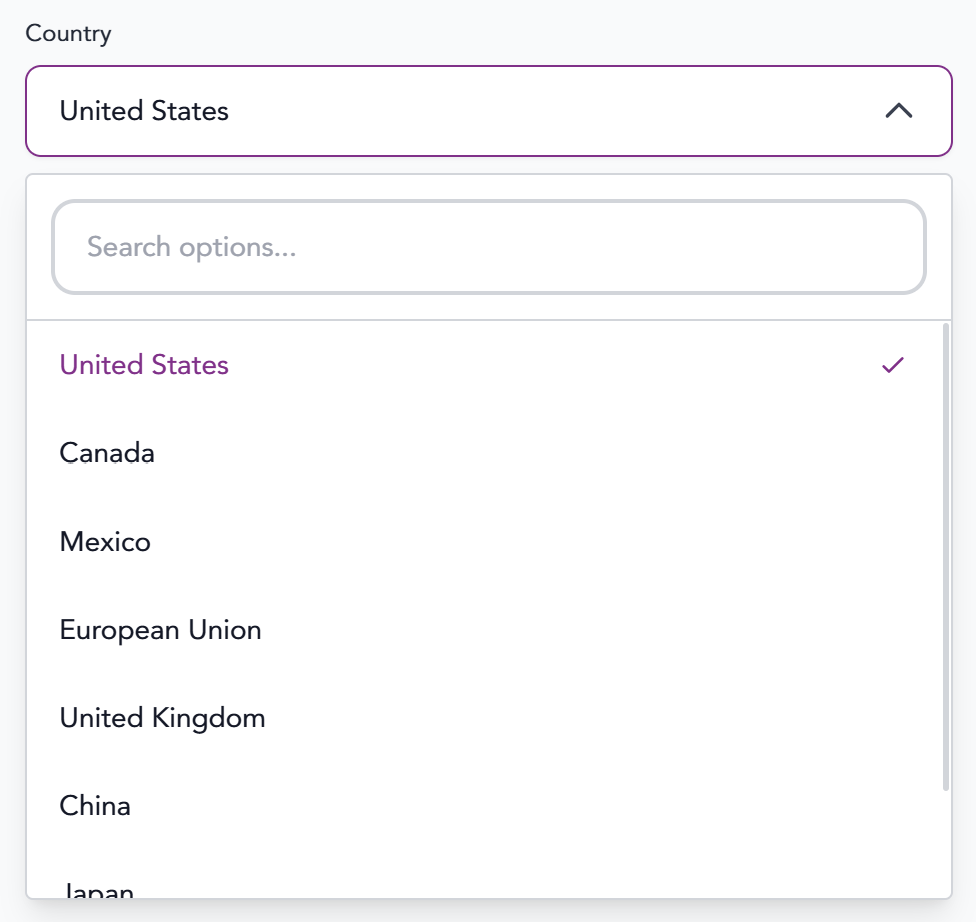
Click to select the desired HTS Code, select country, and click the Assign HTS Code button to save.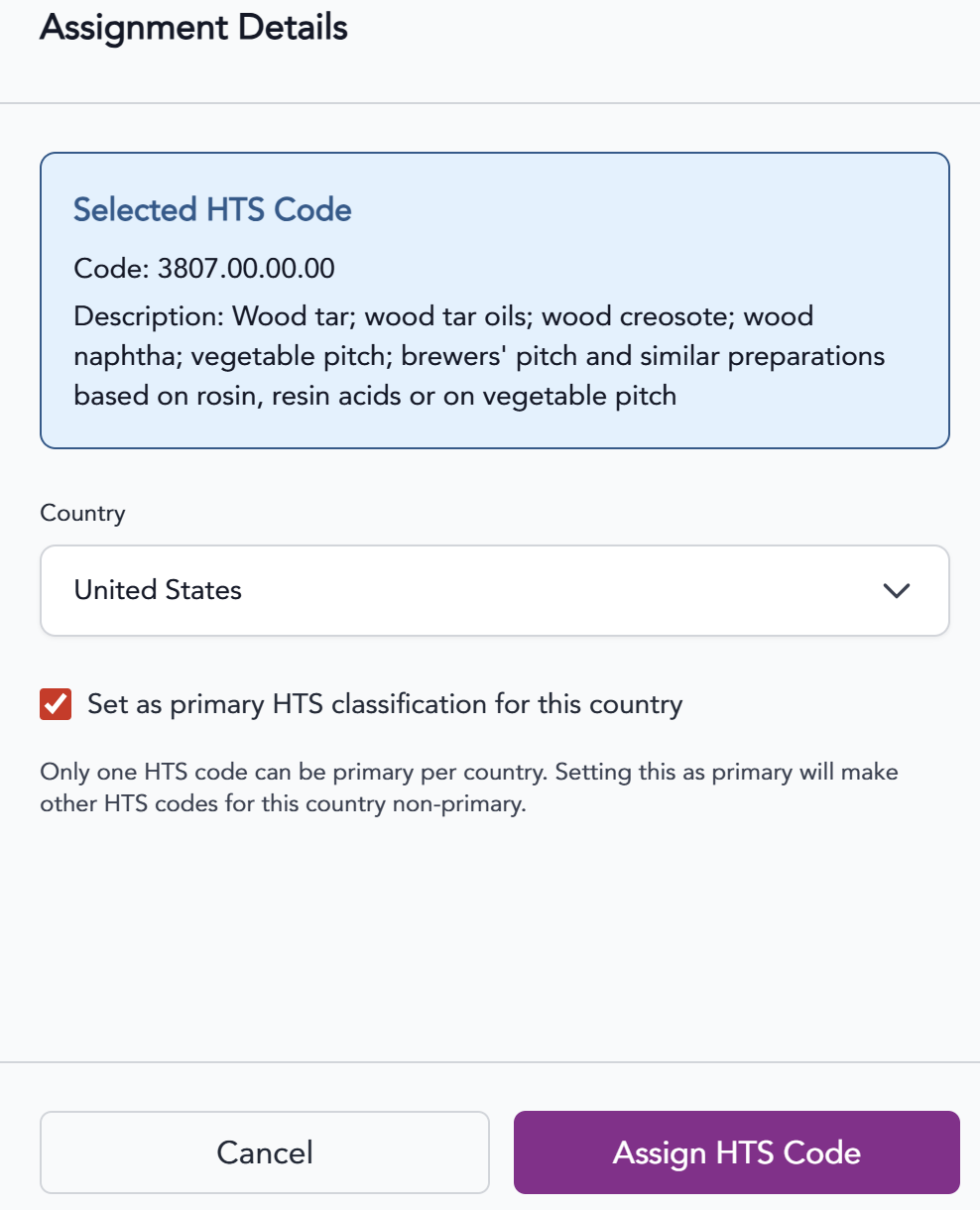
The information provided on this website does not, and is not intended to, constitute legal advice; instead, all
information, content, and materials available on this site are for general informational purposes only.