
Continuous screening automatically checks all entities in the system against updated government lists, which are many. If a screening remains unchanged—except for the reference—it will auto-resolve to its last chosen status if resolved.
Continuous Screening only runs on entities in the entity master. If someone manually screens an entity that’s already in the entity master, the system treats it as a new screening and that screening won’t appear in that entity’s screening history in the entity master.
1. Continuous screening is available through your Screening settings.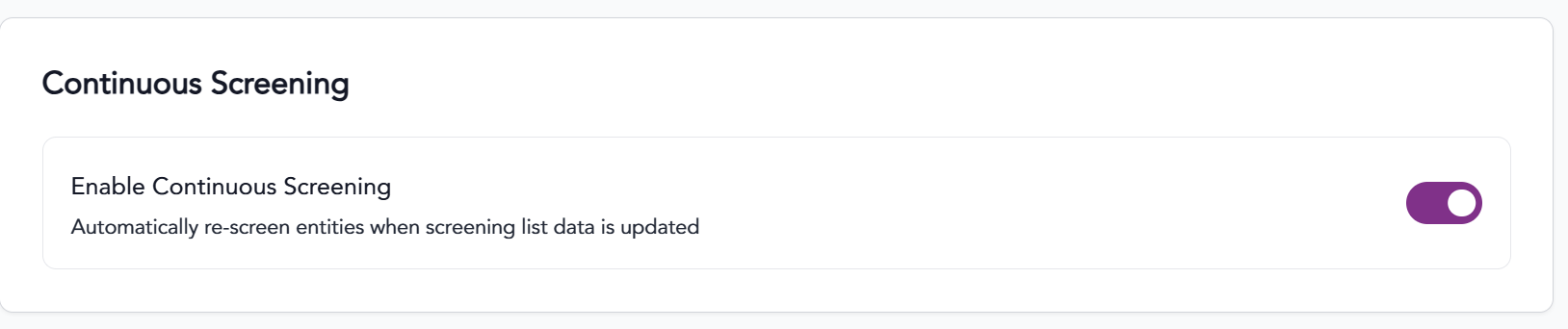 2. Make sure the Active button is checked.
4. BE SURE TO CLICK SAVE!
5. Each time our database is updated, previously screened contacts within the duration window will be automatically screened. Any changes to an entity will send you an alert to your email.
Continuous Screening is defaulted to 90 days. If you would like to have a different time period monitored please discuss with support@trabex.io.
The information provided on this website does not, and is not intended to, constitute legal advice; instead, all information, content, and materials available on this site are for general informational purposes only.