
To reset your password, you first must have an active account with a current customer to start the password reset process.
1. To reset your password, go to the login screen at https://console.trabex.io/
2. Click the sign in button.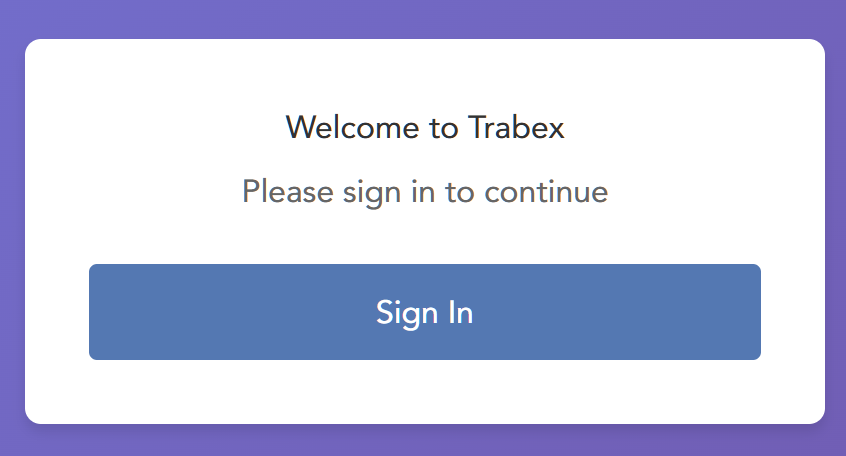
3. Click the "Forgot your password?" link.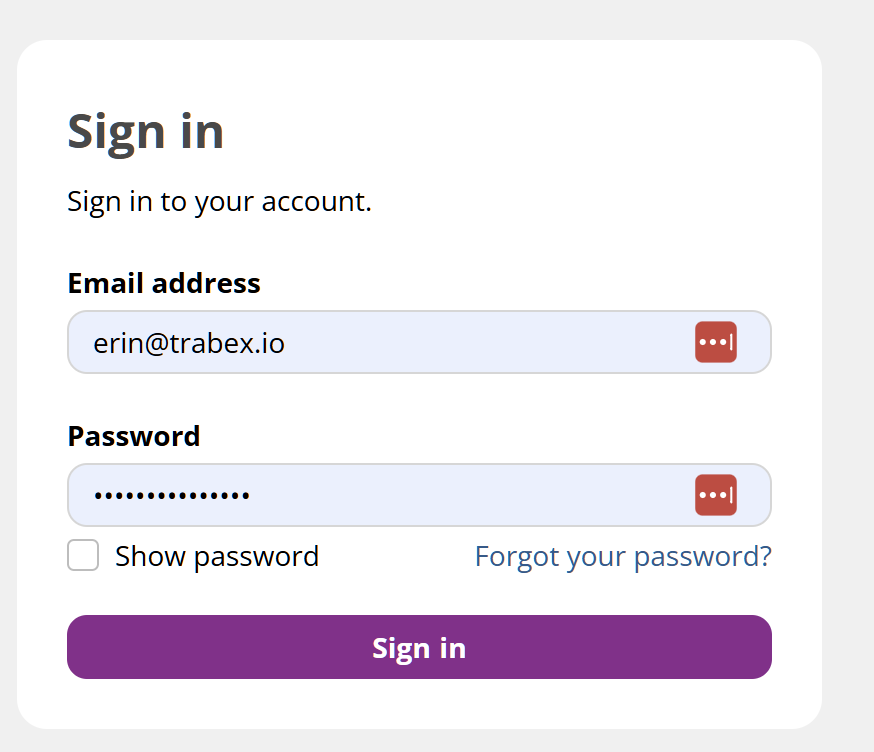
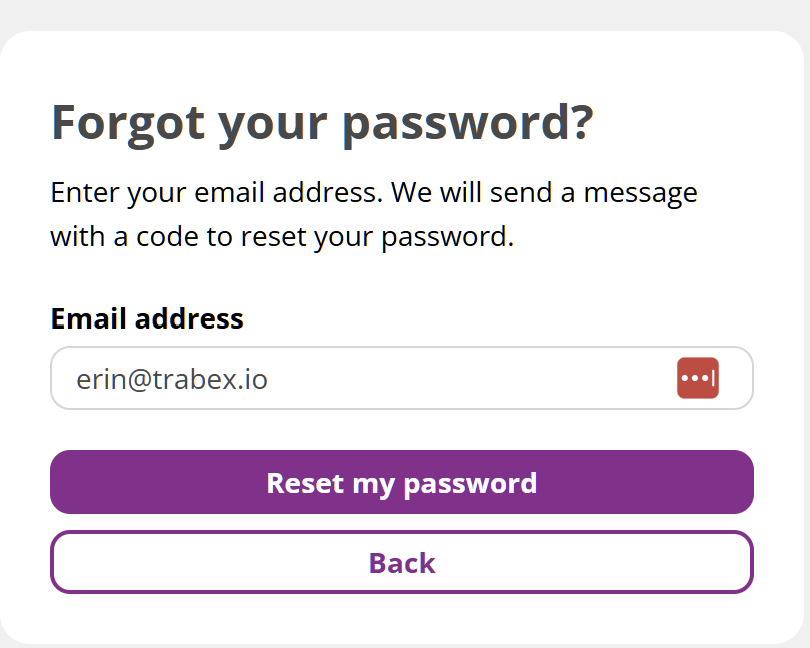
4. Enter your email that is used for your account. Click the Reset my password button.
5. Check your email thoroughly for an email from Trabex.
Subject line: Verify your Trabex Account.
Sender: noreply@console.trabex.io
6. Use the verification code provided to confirm the password change request and provide a new password in the fields provided.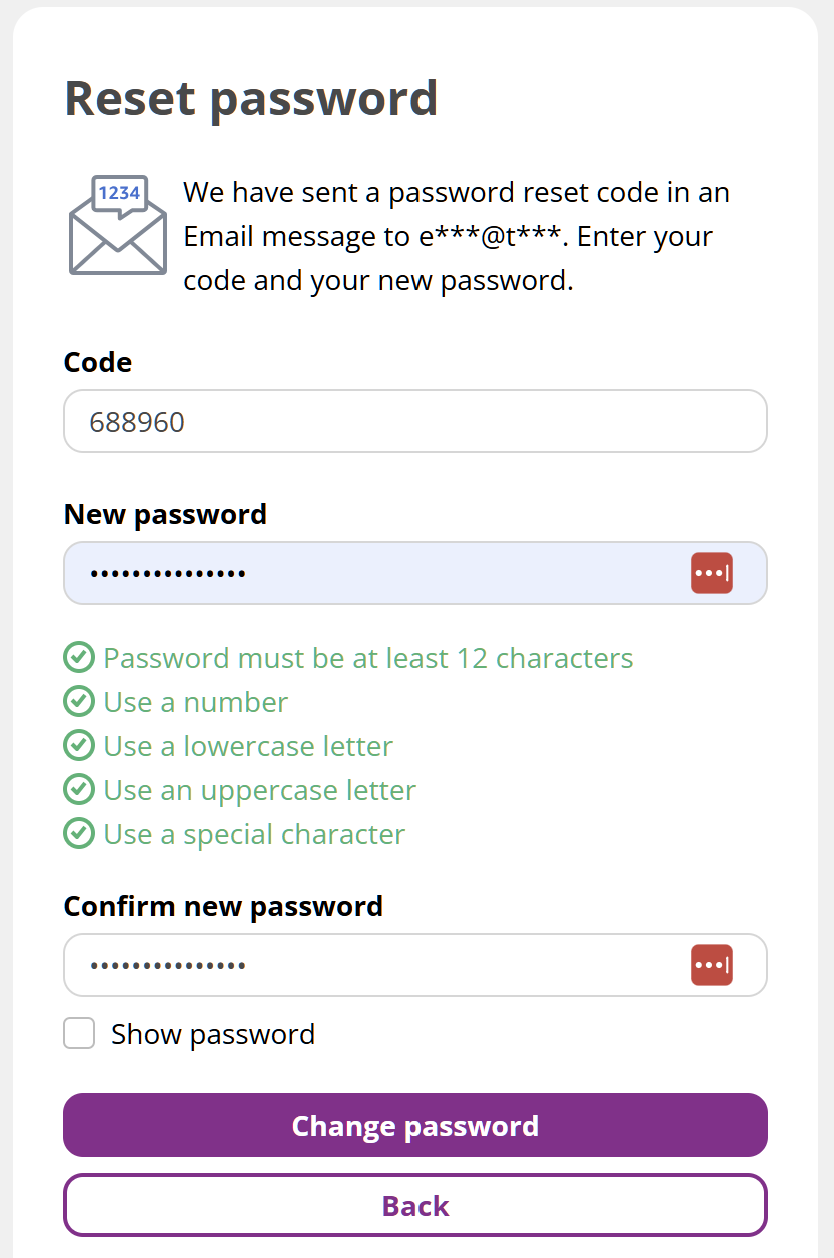
Click the Change Password button to save the new password.
The information provided on this website does not, and is not intended to, constitute legal advice; instead, all information, content, and materials available on this site are for general informational purposes only.