
To add a new user to the Trabex Analyze application:
1. Click the Settings icon to the left of your profile icon.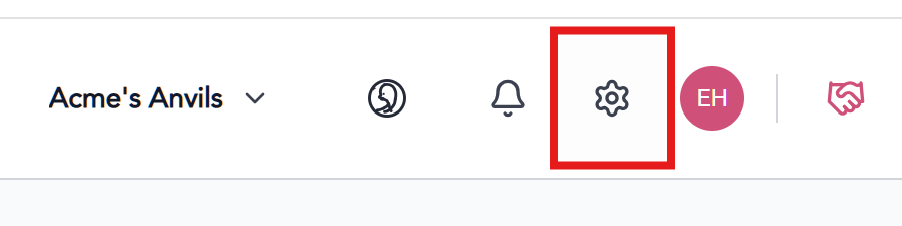
2. Click the Users & Access link on the left sidebar.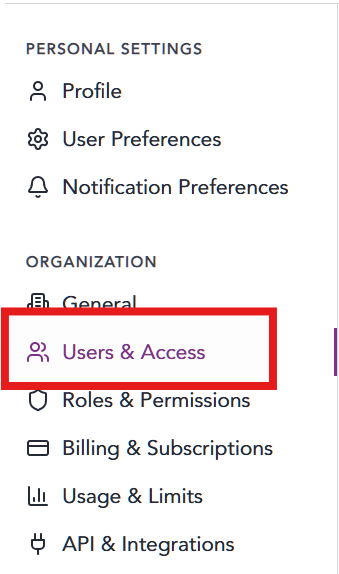
3. Click the + Add User Button.

4. Add user details. Fields with * are required.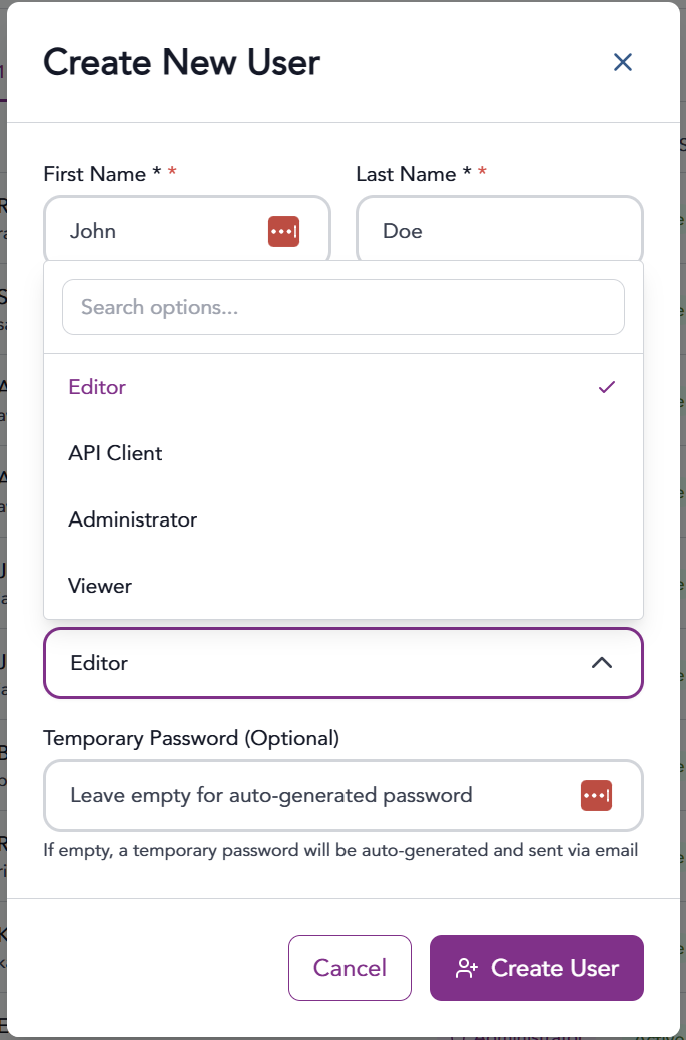
5. The user will receive an email confirming their account with instructions on how to login.
NOTE: The application will automatically assign a user “Editor” group permissions.
To add, edit and create new roles, visit this Solutions Article.
https://support.trabex.io/support/solutions/articles/12000108848-setting-roles-permissions-compose
The information provided on this website does not, and is not intended to, constitute legal advice; instead, all information, content, and materials available on this site are for general informational purposes only.