
To add a schedule B or HTS classification to a product in Compose, click on the Products menu tab on the navigation bar.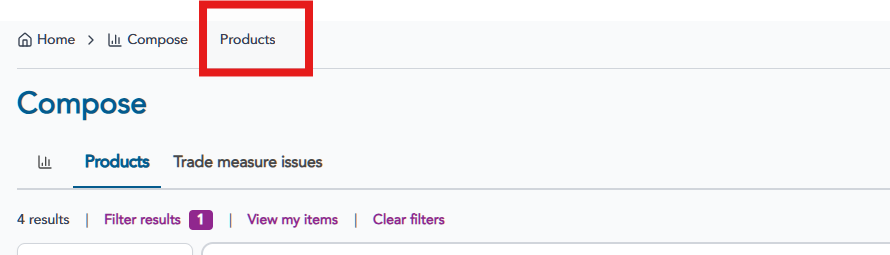 Find the product to edit in the Product table and click on the row to access the product details.
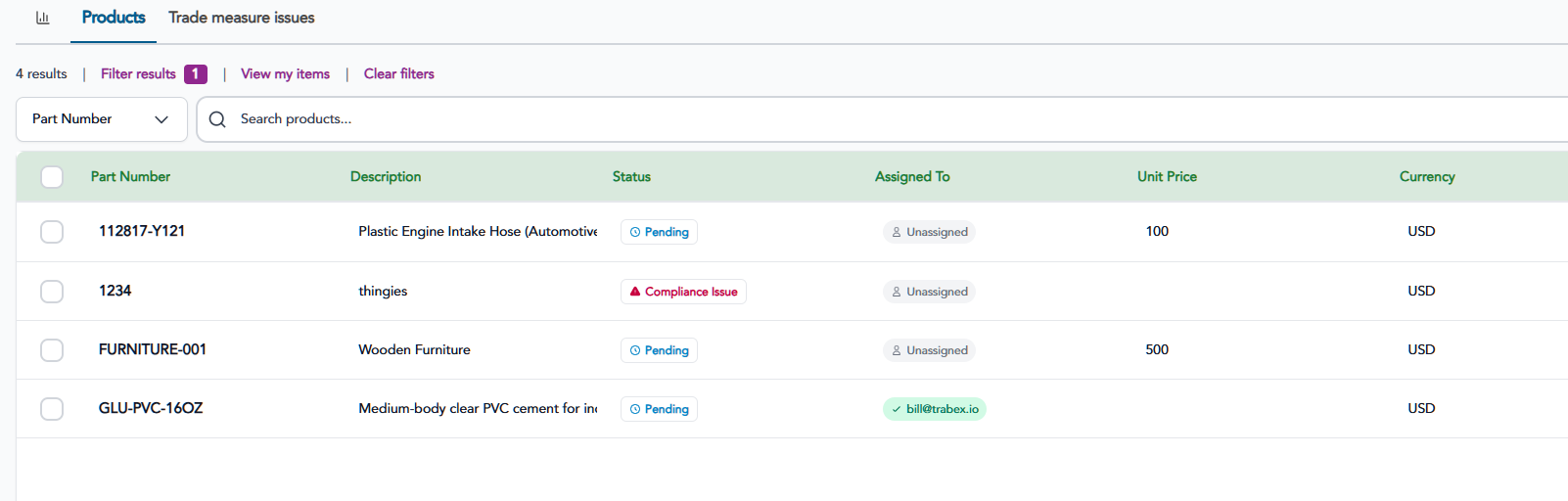
ECCN (Export Control Classifications)
Scroll to the Export Control Classifications section and click the +Add button.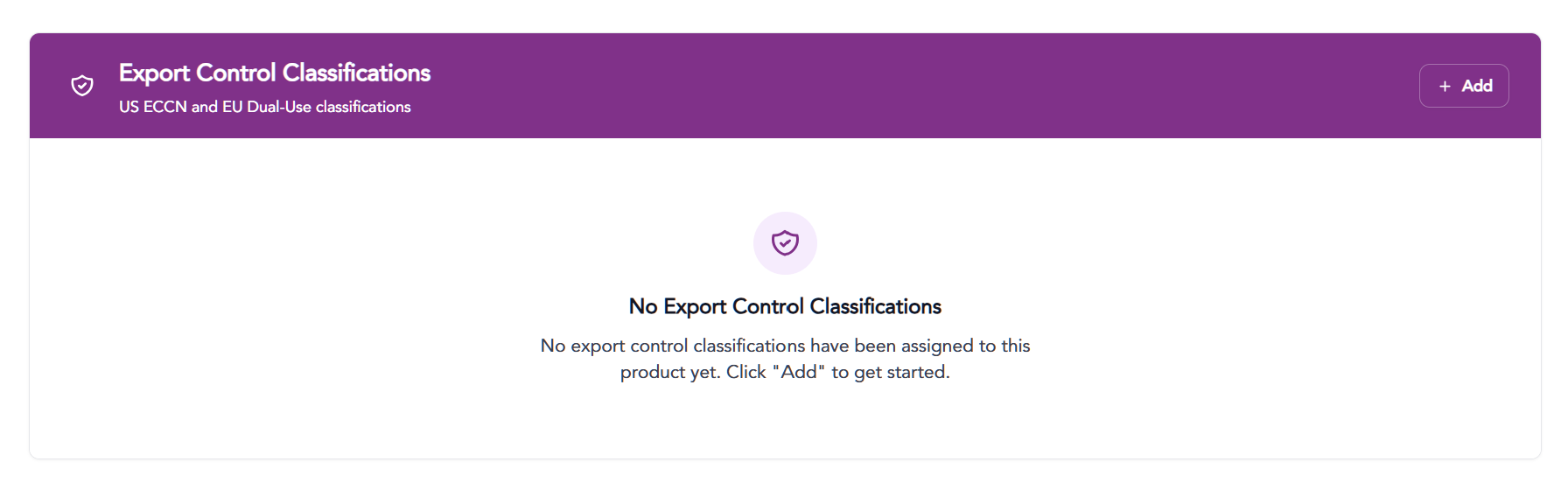 ECCN Codes can be searched by the following
- Code
- Specific chapter sections
- Keyword description
- By country (United States or European Union
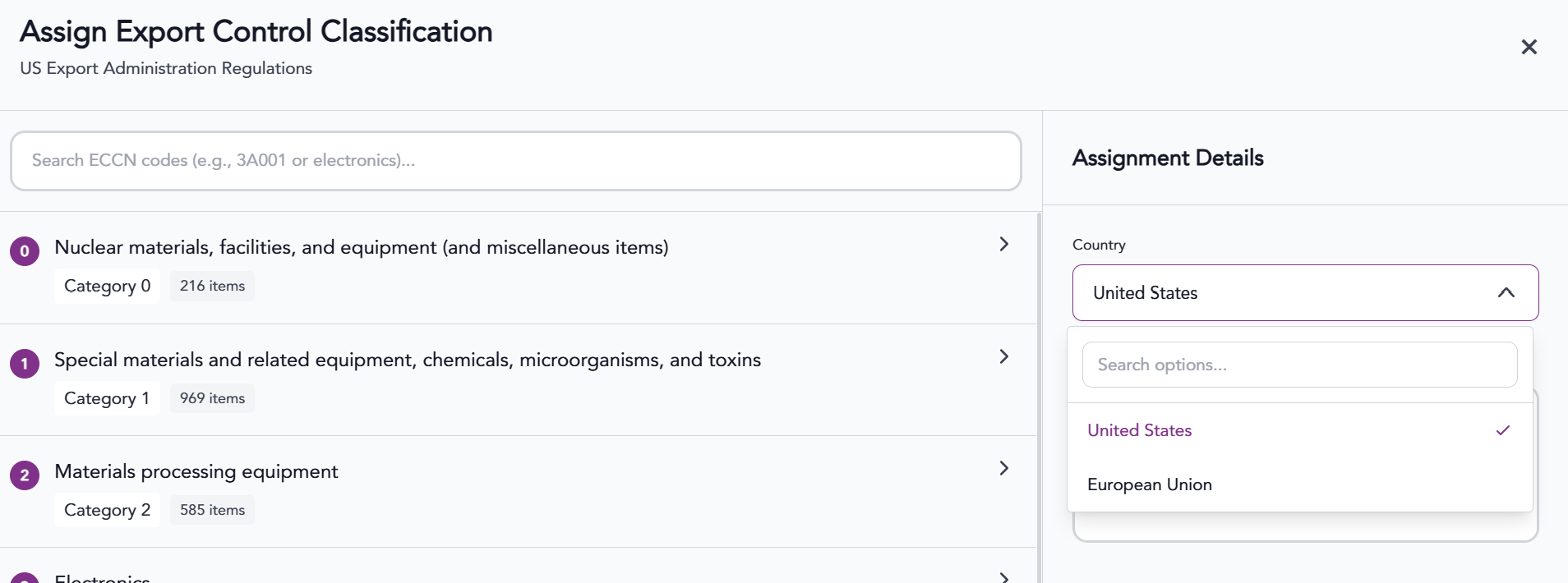
When searching chapter section, keyword or number, results will appear below. Select the desired ECCN and click the "Assign ECCN Code".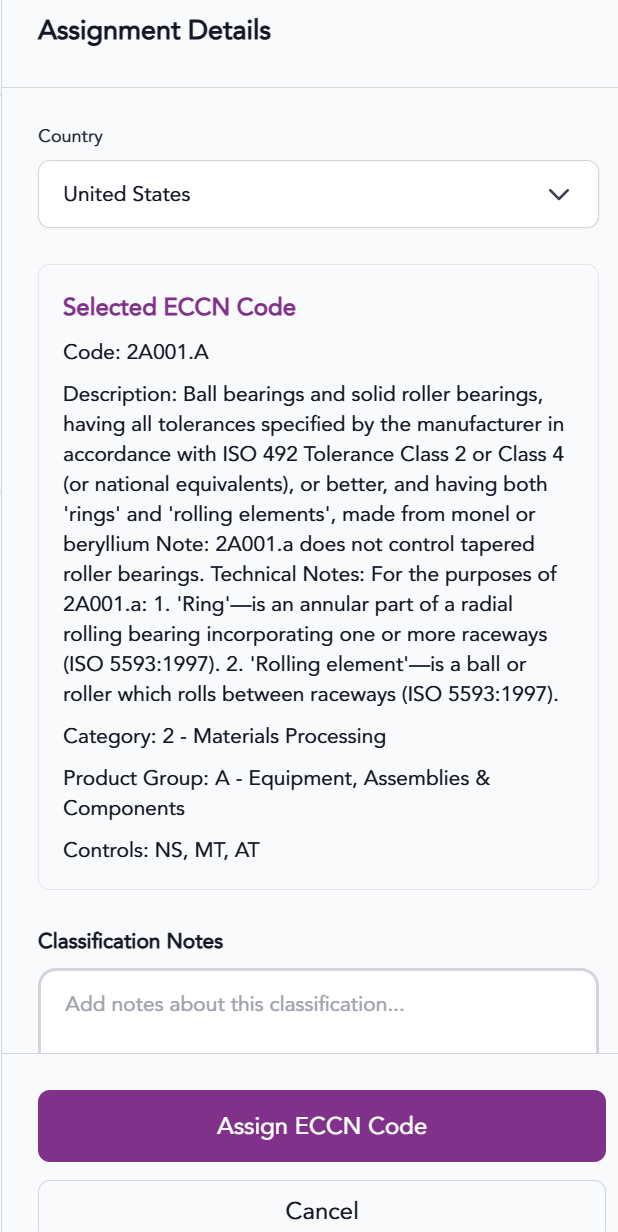
Once an ECCN is assigned to a product, the license Requirements and Country Groups fields will appear. Select a country the Destination License check to be shown various embargoed and sanctions that involve the ECCN.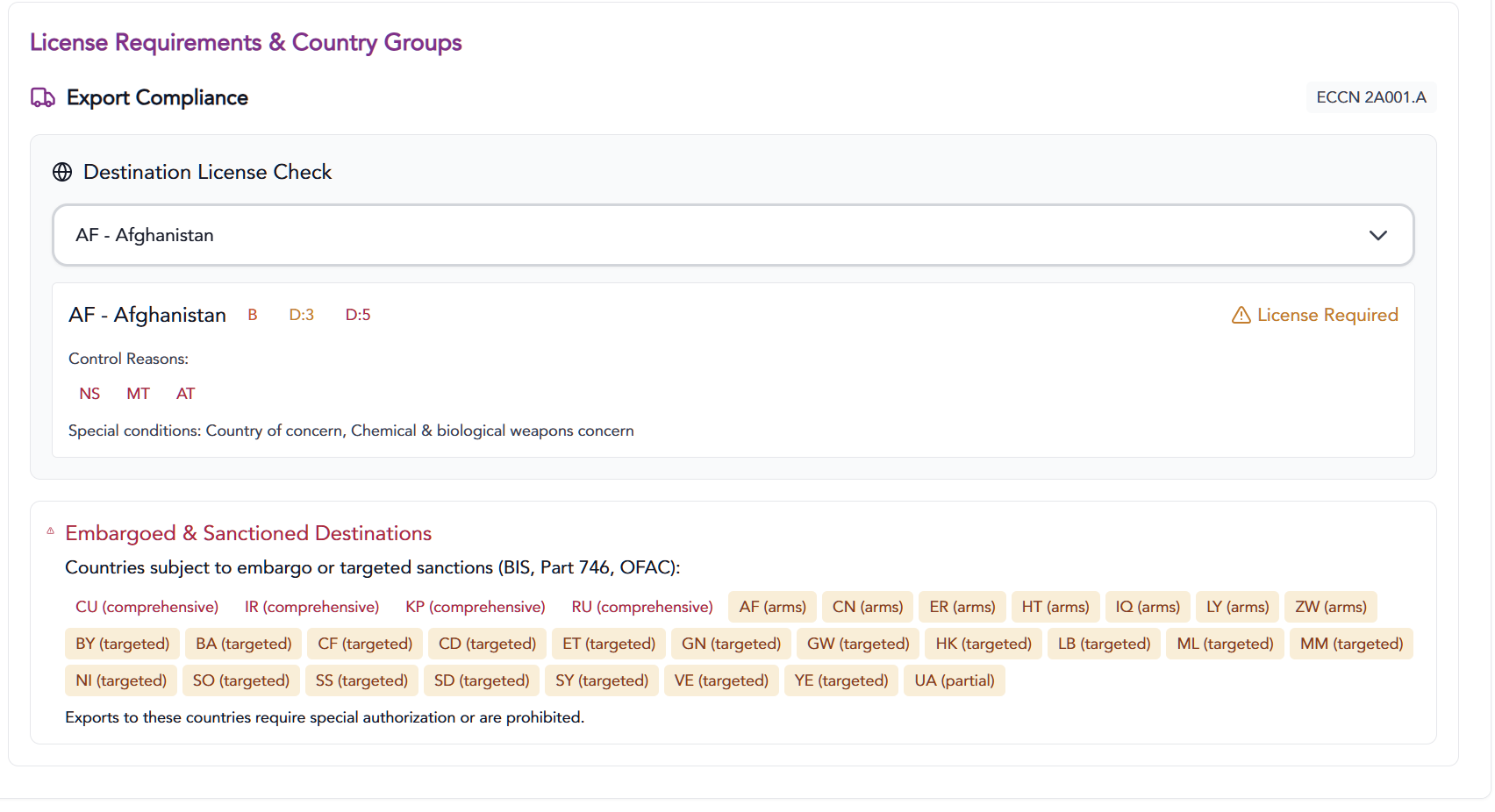
License
Scroll to the License section and click the Find Applicable Licenses button.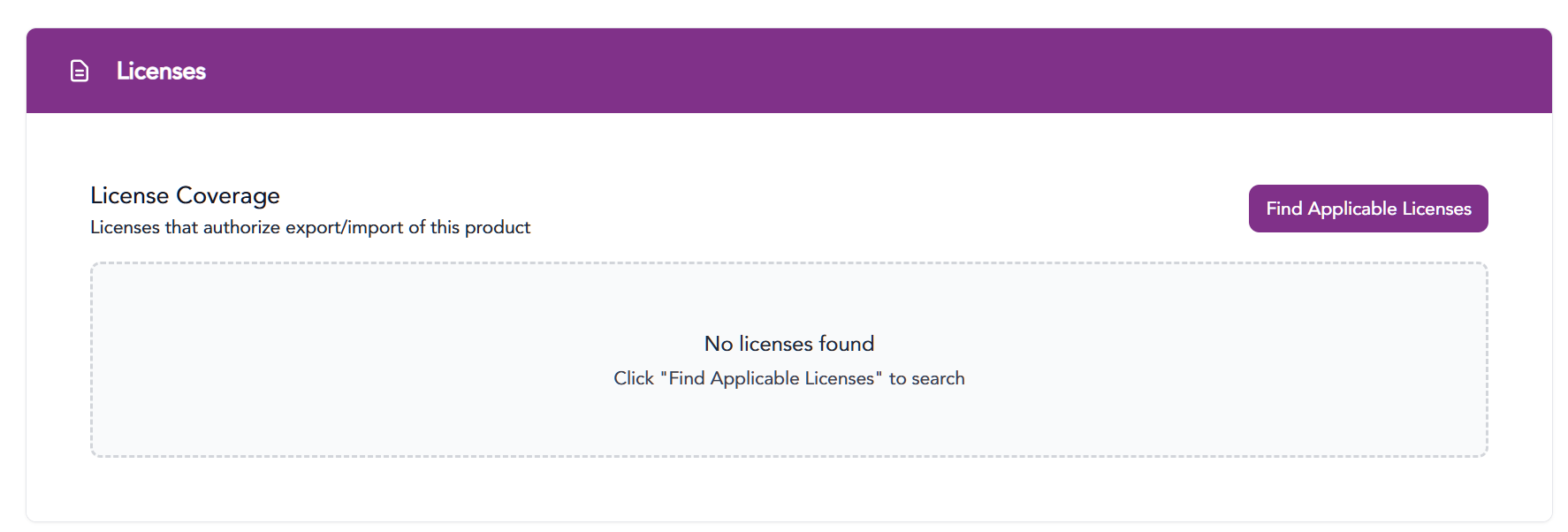 The system will find applicable license numbers based on the destination country which can be searched by 2-digit ISO country code.
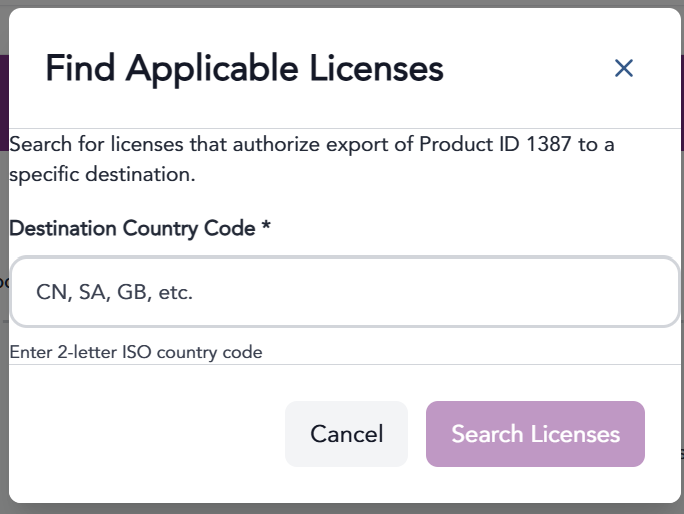
Enter the country code and click Search Licenses. The system will search for licenses saved in the Transact application and will assign the license to the product.
The information provided on this website does not, and is not intended to, constitute legal advice; instead, all
information, content, and materials available on this site are for general informational purposes only.