
The Logistics functionality in Trabex V3 Transact allows users to capture and manage transportation and customs-related information associated with a shipment. These details help support accurate shipping documentation, coordinate transportation activities, and facilitate customs processing for international shipments.
Depending on the shipment's transportation mode and documentation requirements, users can enter inland transportation details, carrier-specific shipping information, and customs information.
Adding Transport Leg and Carrier Information.
Open the applicable shipment in Transact.
Navigate to the shipment's Transport section.
Click the + Add Transport Leg button.
Add all necessary information.
Vessel/Carrier Details
Ports/Locations
Entities involved in the specific transport leg
Routing Options
Schedule
The information required may vary depending on the selected transportation mode and the shipment's specific requirements and Trabex supports logistics information for different transportation modes, including:
Air Shipments: Record air transportation and carrier-related information used to support air freight documentation.
Ocean Shipments: Maintain ocean carrier and vessel-related shipment details used for maritime transportation documentation.
Truck Shipments: Capture trucking and ground transportation information associated with the movement of goods.
Rail Shipments: Capture rail transportation information associated with the movement on a railroad.
Click the Add Transport Leg button to save.
Customs information helps identify relevant shipment details needed for import and export procedures, customs clearance, and regulatory compliance.
Updating Logistics Information
Click the edit icon on the row to edit saved information

Edit details as necessary.
Click the Update Transport Leg button to save.
Deleting Logistics Information
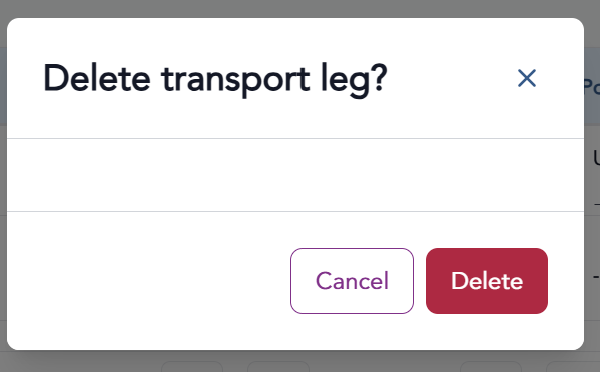
Click the delete icon on the row to edit saved information

Confirm you want to delete the transport leg but clicking the Delete button.
The information provided on this website does not, and is not intended to, constitute legal advice; instead, all information, content, and materials available on this site are for general informational purposes only.