
1. Open Settings next to your profile.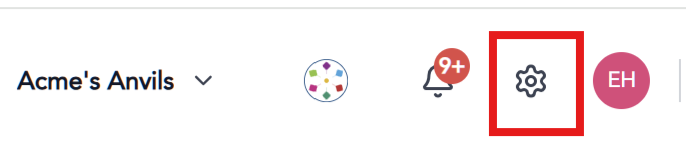
2. Scroll down to PRODUCTS & Features on the left navigation bar.
3. Click into Transact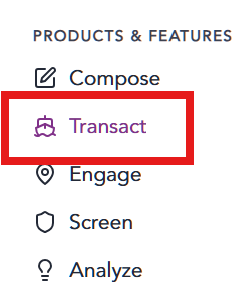
4. Click into Clause Templates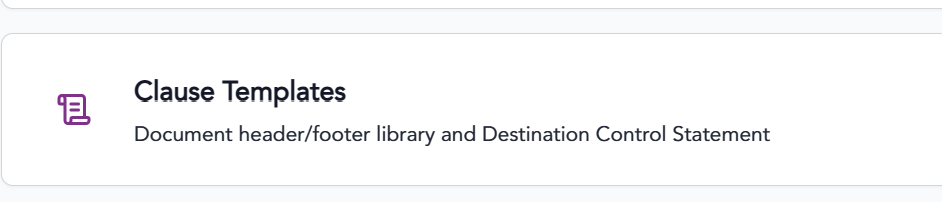
All saved Clauses will appear on a list.
Edit an existing clause
Click the edit icon.

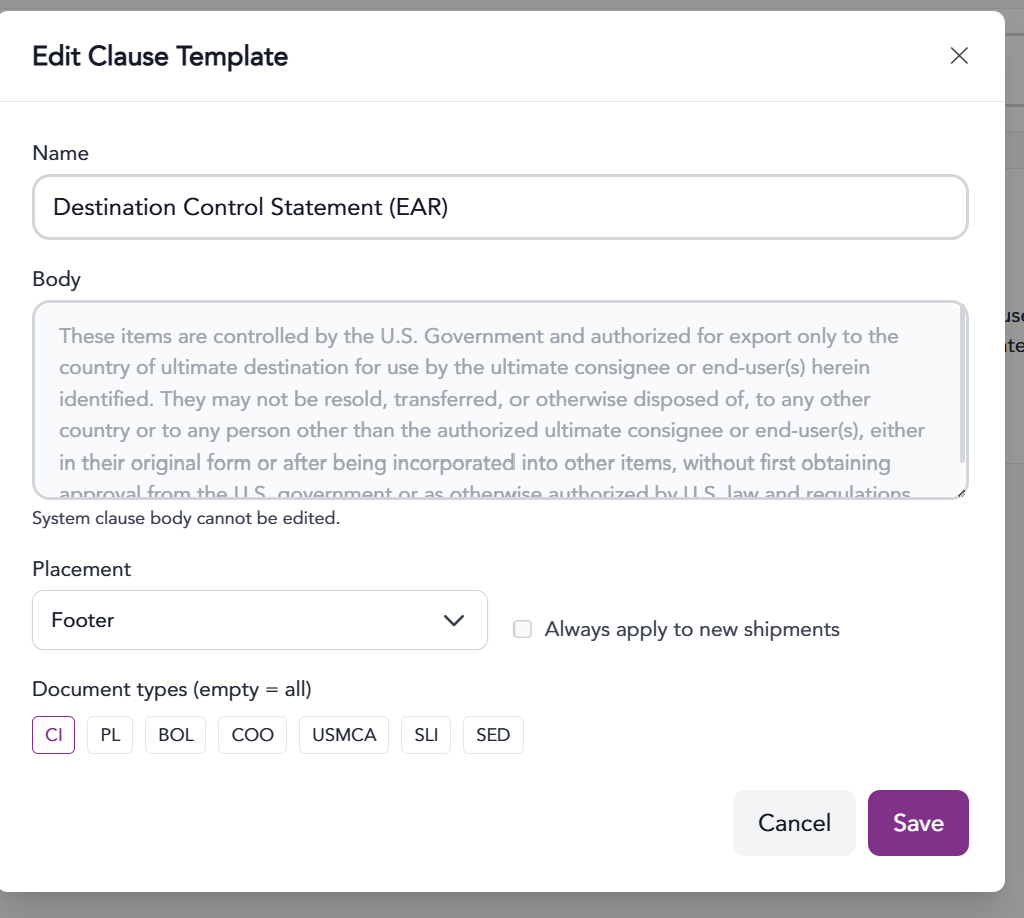
Edit the clause as needed and click save.
Add a New Clause
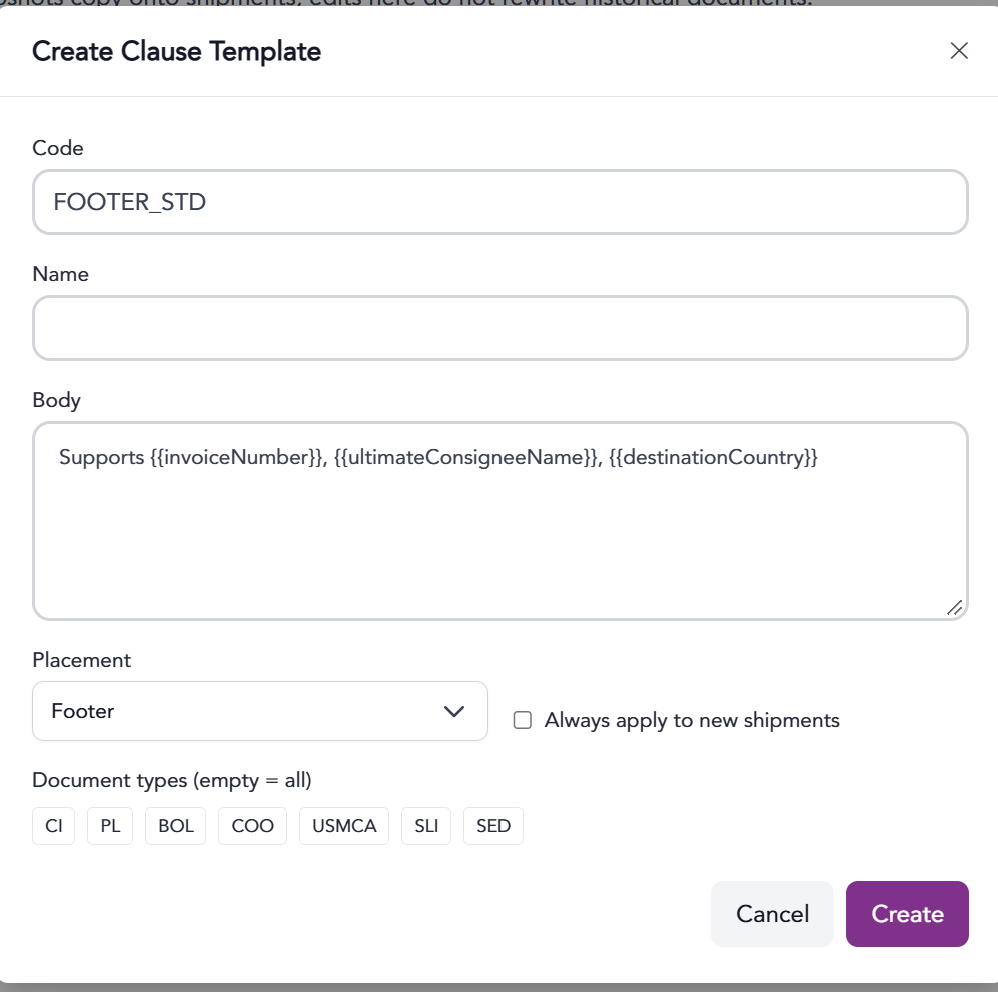
Click the + Create Template button
Provide a code. No spaces
Provide a name for the Clause so it can be found and used later
Provide the text of the clause.
Select the placement (header or footer) of the clause
Select which documents this clause can appear on
Clicking “Always apply to new shipments” will apply the clause to ALL new shipments created in the system
Click Create to save the clause template.
The information provided on this website does not, and is not intended to, constitute legal advice; instead, all information, content, and materials available on this site are for general informational purposes only.